

H3 responded best when the prompt explained what should change and where the scene should end.
MiniMax H3 Video Generator for Complete Creative Context
Describe the task in natural language and combine text, images, video, and audio in one context. MiniMax H3 understands the relationships between those references and generates video with native stereo sound, multi-shot structure, and up to 2K output through the full workflow.
Text contextImage referencesVideo referencesAudio referencesFirst / last frameNative stereo sound24 FPS4–15 seconds
One context across every media type
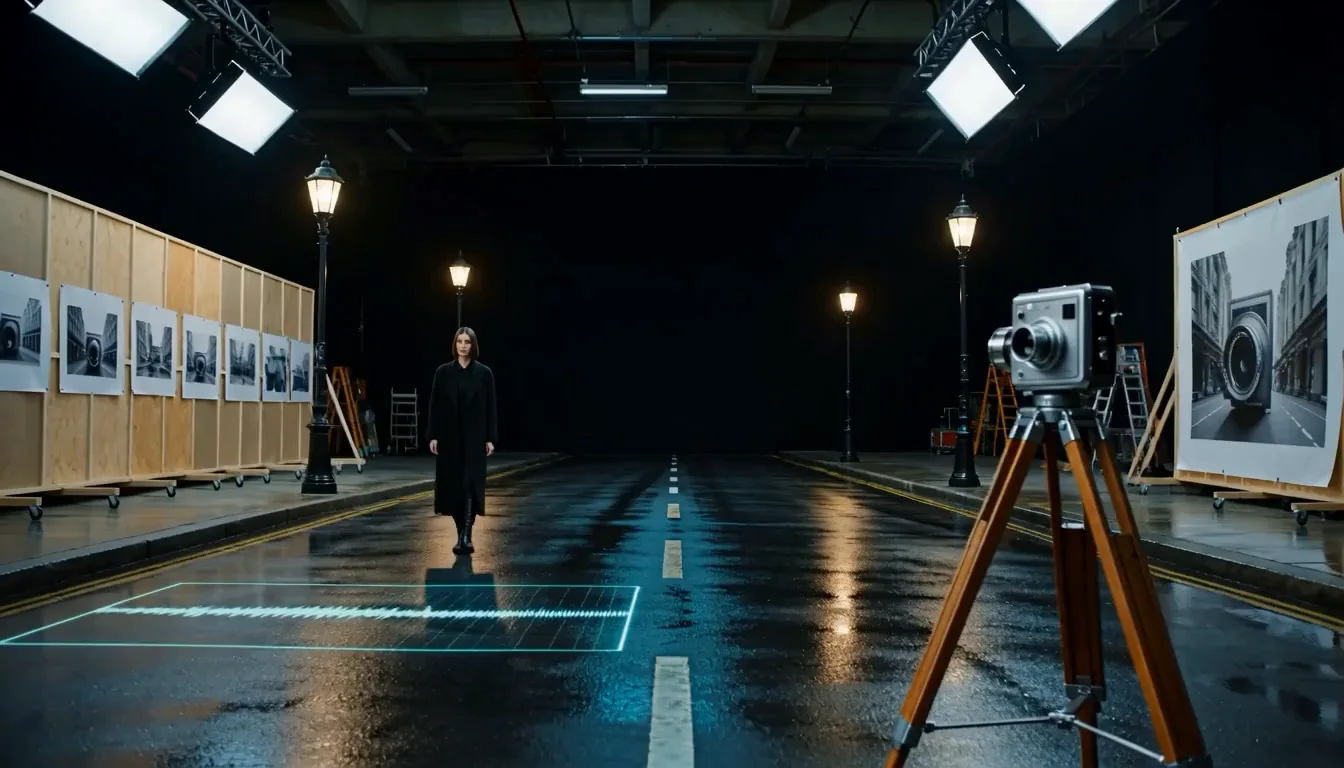
Combine text, images, video, and audio, then explain how each source should influence the result. MiniMax H3 can connect a character from an image, camera movement from a video, and a voice from an audio reference inside one natural-language task.
Open Reference to Video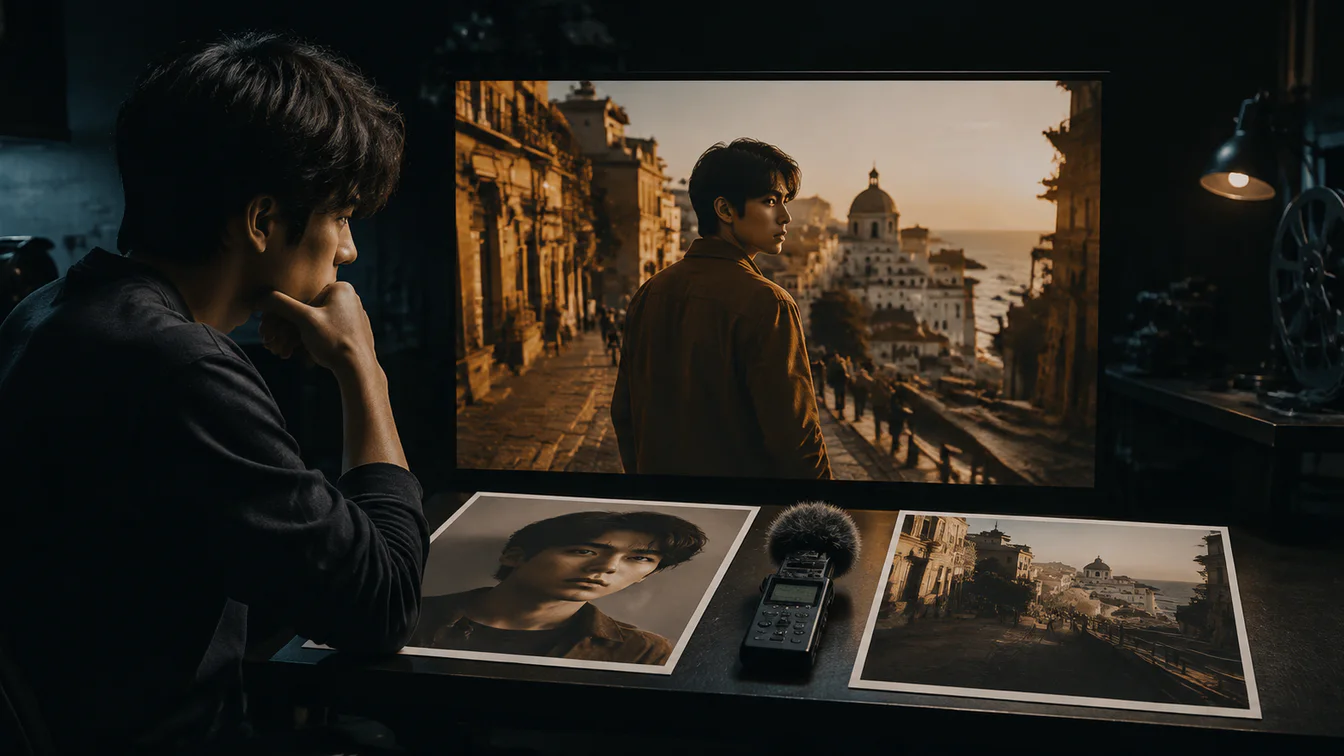
Native multi-shot video with stereo sound
Generate visual sequences and audio as one coordinated result. MiniMax H3 jointly models voice, sound effects, music, scene changes, and the relationship between audio and video instead of treating sound as a separate finishing step.
Try Text to Video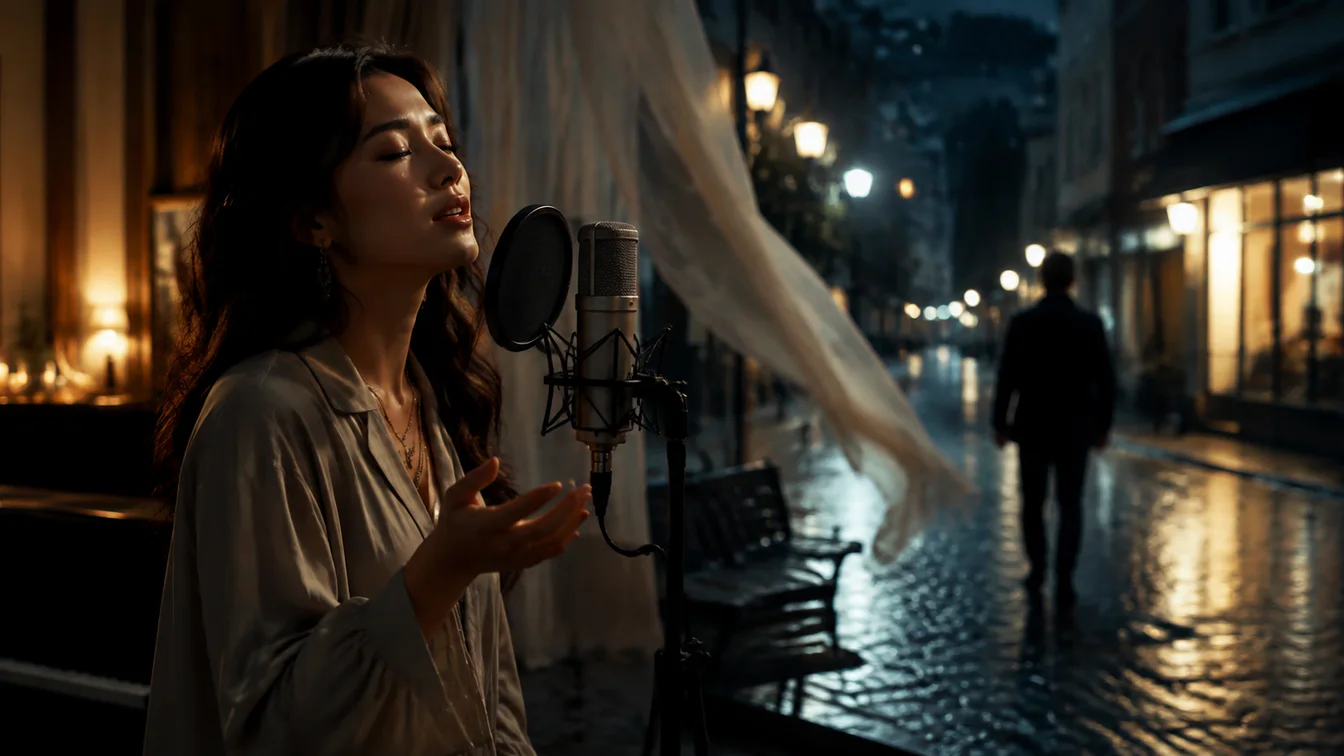
Follow detailed production instructions
Use natural language to direct the subject, action, camera, edit, sound, and visual treatment as one task. Official H3 examples emphasize instruction following as well as the presentation of readable text and brand information inside generated content.
Direct a Video
Transfer motion from video to video
Use a reference clip to guide movement, performance, or camera behavior while other inputs define the subject and scene. MiniMax identifies V2V Motion Transfer as a core example of H3's controllable multimodal generation capabilities.
Try Motion Transfer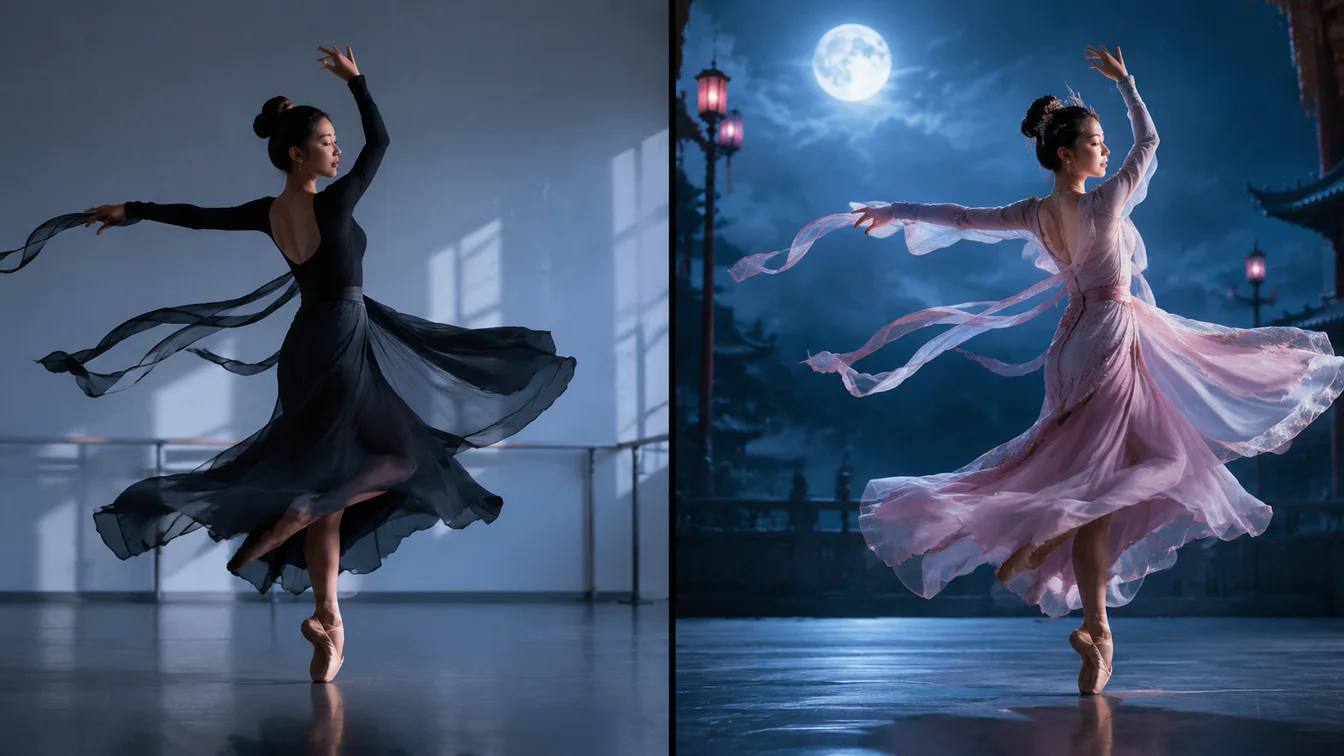
Reference and edit without narrow task labels
Describe the relationship between the source and target instead of choosing a separate specialist model for every operation. H3's generalized reference and editing approach spans image, video, audio, identity, motion, style, voice, and audiovisual changes.
Open Reference Editing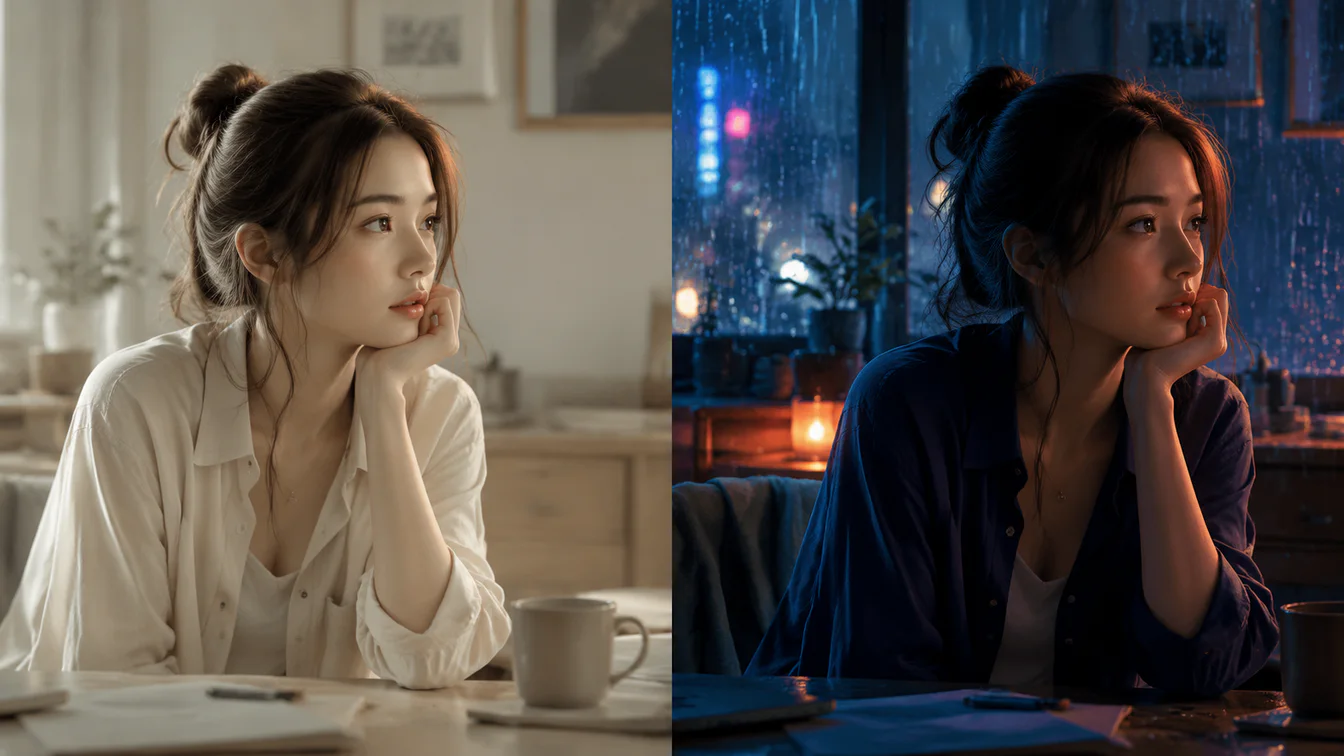
Regenerate detail with the original context
H3 uses in-context regeneration rather than a conventional super-resolution pass. The complete workflow can reuse both the base result and the original multimodal context to produce up to 2K output with stronger small-text and fine-detail recovery.
Open H3 Workflow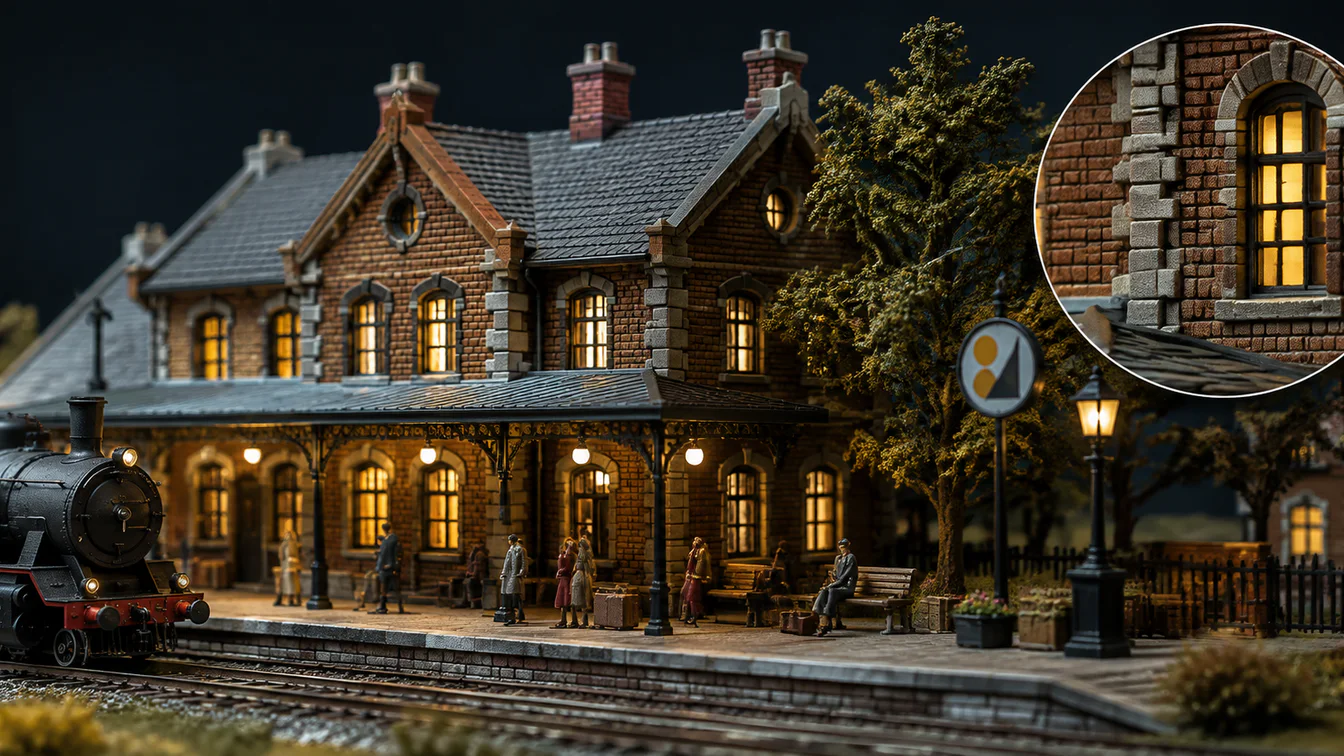
Built for real production formats
MiniMax presents H3 as a general-purpose creation model for commercial and creative workflows where instructions, references, sound, text, identity, and motion need to remain connected.
Film titles
Develop opening sequences that coordinate multiple shots, typography, atmosphere, camera language, sound design, and visual continuity.
Game UI
Animate interface concepts, world-building elements, transitions, characters, and sound cues while preserving the intended interaction style.
Dynamic posters
Turn a designed key visual into a short audiovisual composition with controlled typography, subject motion, depth, and atmosphere.
Advertising and brand
Combine product references, brand information, camera direction, copy, and sound into campaign concepts that follow a detailed brief.
Ecommerce
Build product-focused videos from approved imagery while directing the presentation, motion, environment, brand details, and audio.
Product and UI/UX design
Explore product behavior, interface motion, spatial transitions, and presentation concepts with multimodal references and natural-language direction.
MiniMax H3 output, at a glance
4–15s
Supported clip duration
24 FPS
Video frame rate
32 kHz
Native stereo audio
2K*
Full workflow output
H3 Base checkpoints produce 768p results; the complete hosted workflow uses in-context regeneration for output up to 2K. Specifications and availability can vary by product. Read the official MiniMax H3 release
What creators are saying about MiniMax H3
Independent creators and reviewers put H3 through narrative, reference-driven, and audiovisual tests. Here is what stood out in their published reviews.
A video with usable sound is closer to an editable first cut.
MiniMax H3 = The BEST AI Video - Runs Locally in ComfyUI.
MiniMax H3 questions, answered
The MiniMax H3 video generator is a general-purpose multimodal video generation system. It understands text, images, video, and audio together, then generates short video clips with native stereo sound and coordinated visual motion.
H3 supports text prompts, first and last frame images, reference images, video clips, and audio references. Omni Reference mode supports up to 9 images, 3 videos, and 3 audio clips, with a maximum of 12 files in total.
Yes. MiniMax H3 generates video with native 32 kHz stereo audio. The output can include dialogue, environmental sound, effects, and music depending on the prompt, chosen mode, and reference context supplied for the shot.
Provide a first frame, a last frame, or both. MiniMax H3 uses those keyframes to guide the beginning and end of the shot while generating the connecting motion and maintaining the intended visual direction between them.
H3 uses a generalized reference and editing approach across image, video, and audio. Describe which source provides identity, movement, camera behavior, voice, sound, style, or scene context, then explain what the target should preserve, change, or create.
The base MiniMax H3 workflow generates a 768p result. The full workflow can use H3-Regenerate-2K to regenerate the output at up to 2K while reusing the original multimodal context and base video.
The MiniMax H3 Base FL2VA and Ref2VA checkpoints are open-weight. H3-Context-IR and H3-Regenerate-2K are currently provided as hosted services rather than fully open-sourced modules, so the complete production workflow is not entirely local.
MiniMax notes that multimodal context understanding, capability completion at the current model scale, and fine visual detail still have room to improve. Output supports clips up to 15 seconds, while available duration, aspect ratio, resolution, and reference limits can vary by workflow or product.
Give H3 the complete production task
Describe the result in natural language, add the references that carry identity, motion, camera, voice, or style, and generate the next audiovisual sequence from one connected context.